HapticSense
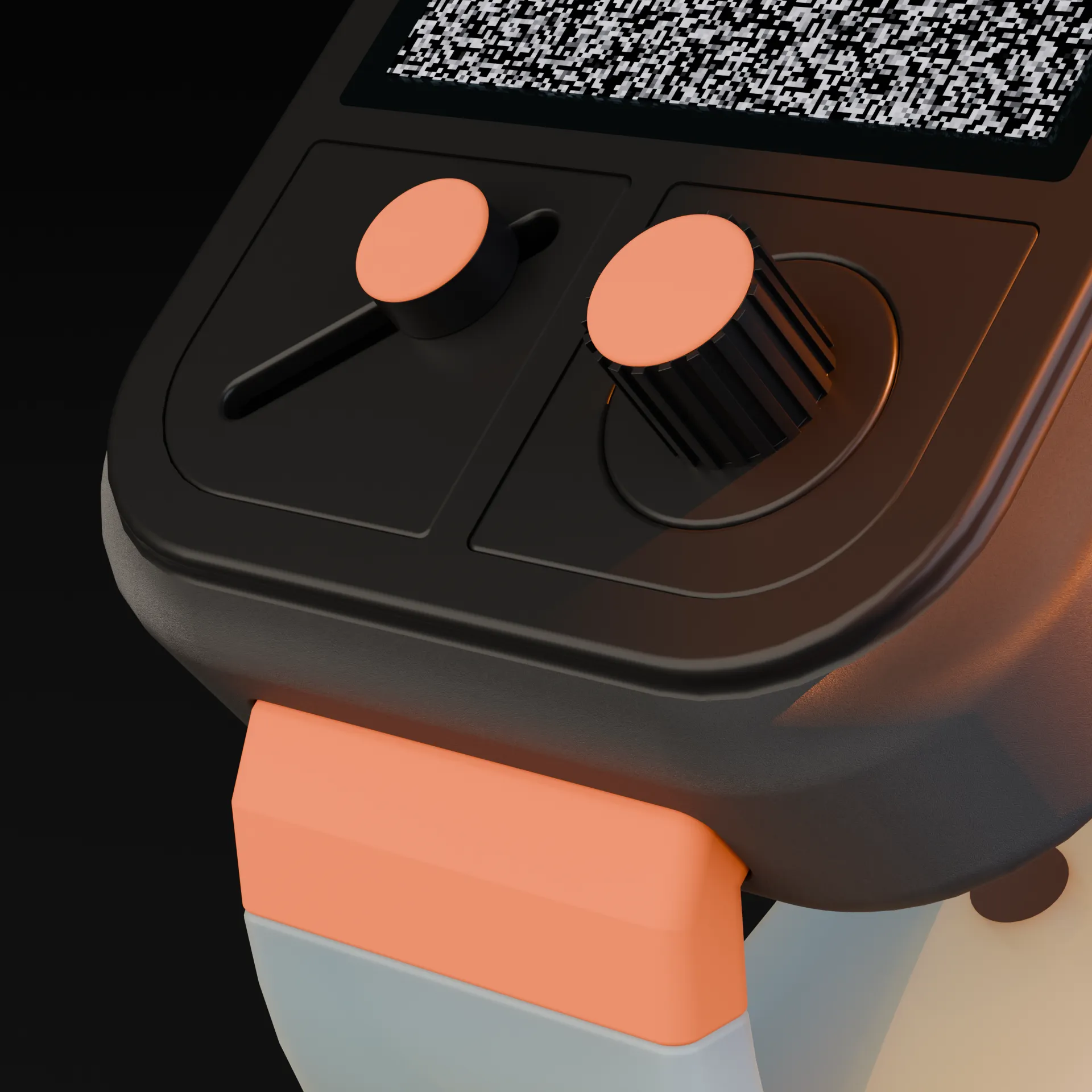
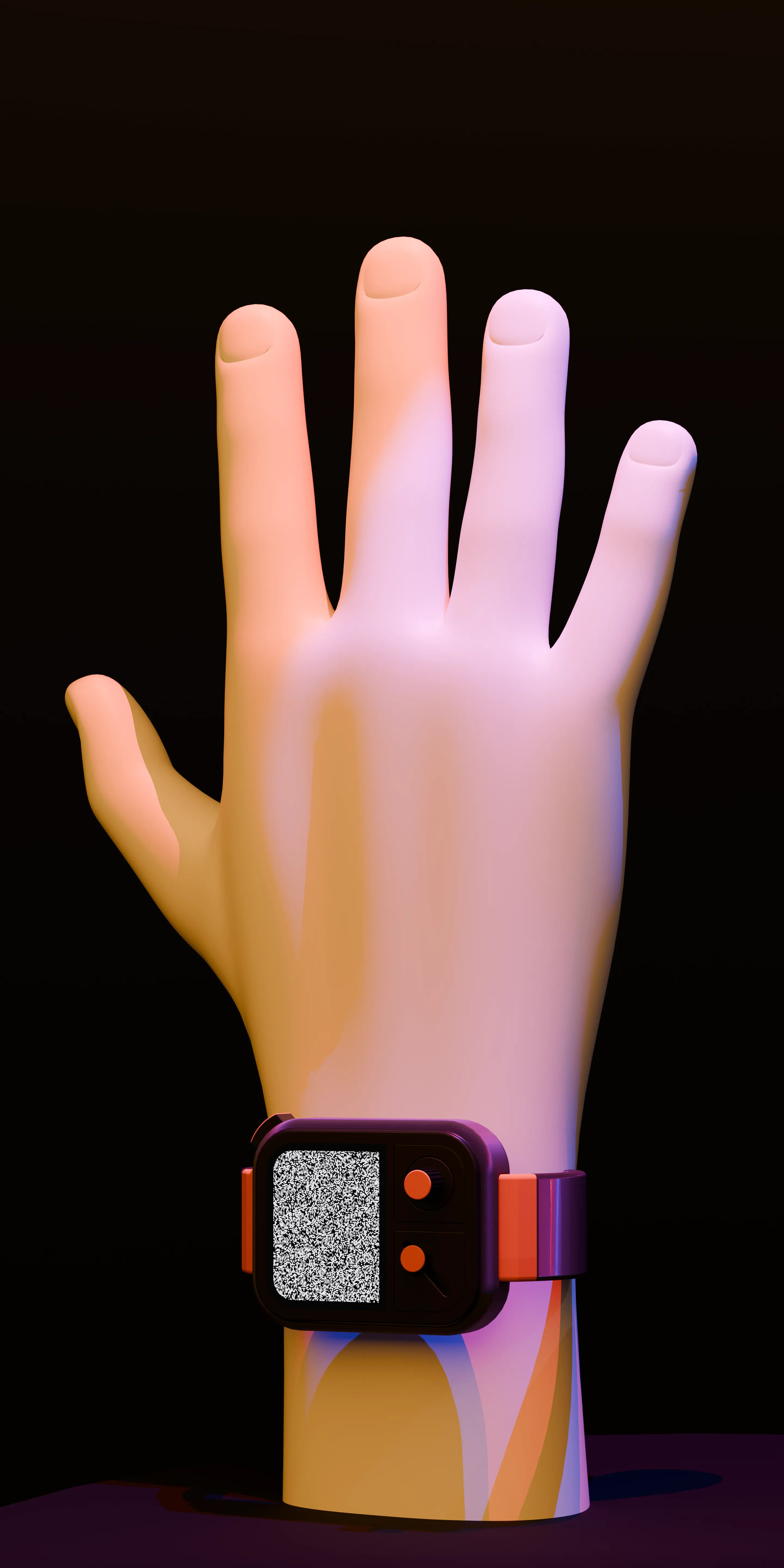
A wristband concept that stimulates nerves in the wrist so you feel sensations in your fingers when you touch virtual objects in VR and AR, without wearing gloves.
Duration
2 Month
Methods
Speculative Design, Industrial Design, UI/UX Design
How the band works
The technology
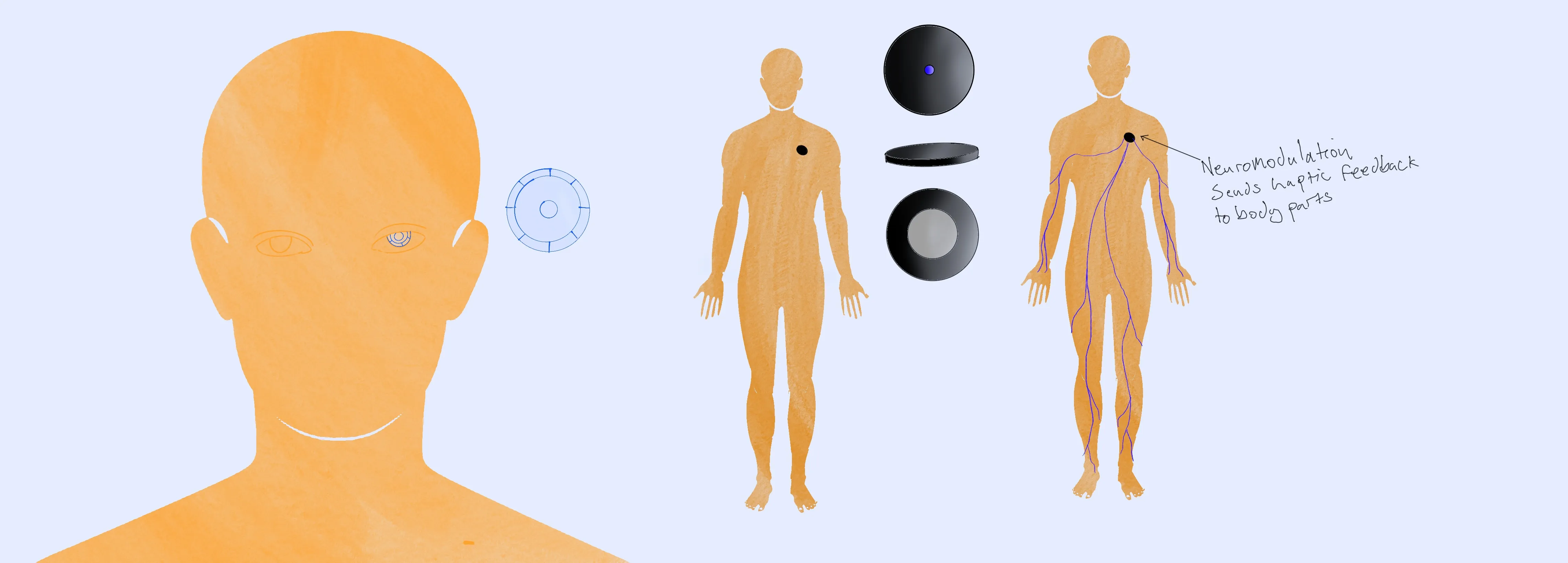
The band uses peripheral nerve stimulation: small electrical pulses on the median nerve at the wrist (and, speculatively, the ulnar nerve) that are felt in the fingers rather than at the wrist.
How it differs from haptic gloves
Haptic gloves put motors on every finger. This band leaves the hand bare and keeps all the hardware at the wrist. In the concept, the band changes its stimulation depending on what you touch in VR.
What I read
The project started from two readings in The Interface, an art history course.
Touch has a history
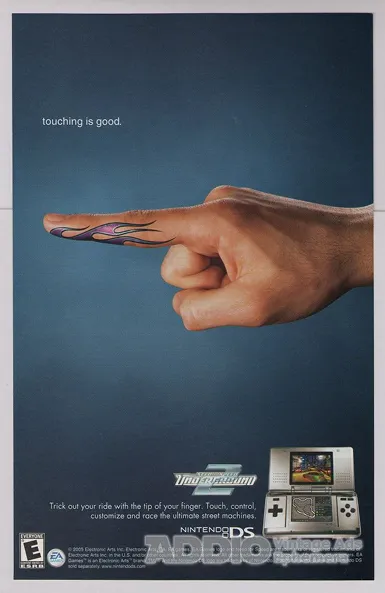
In Fingerbombing, or ‘Touching is Good’: The Cultural Construction of Technologized Touch (2008), David Parisi follows how touching technology has changed, from arcade buttons to the Nintendo DS stylus to swiping a phone. The way we touch devices isn't fixed; each new interface changes it.
Man-Computer Symbiosis
J.C.R. Licklider (1960) imagined people and computers working as close partners rather than operator and tool. With touch, most interfaces still go one way: you press, and the computer registers it. HapticSense asks what it would be like if the computer could touch you back.
What the research says
I read research on nerve stimulation and prosthetic touch to see what a wrist device could plausibly do. The xTouch study was the most useful.
1. xTouch: touch through the wrist nerve
Shell et al. (2022) built xTouch, a non-invasive neuro-haptic platform that stimulates the median nerve through surface electrodes at the wrist. The stimulation produced sensations that participants felt in their hand rather than under the electrodes.
Seven participants used those sensations to sort six virtual objects by size and compliance (softness). They were right 64% of the time, against 17% by chance. Size was easy to tell apart; softness was harder, and soft and medium objects were often confused.
- Non-Invasive Feasibility: Surface electrodes at the wrist can produce sensations felt in the fingers, without surgery.
- Object Properties: People can use those sensations to judge size well and softness partly.
- Open Questions: The study did not measure what the sensations feel like, used a single stimulation site on one nerve, and notes that the nerve can shift as the wrist moves.
2. Touch in virtual reality
Research on VR has shown that adding touch to what you see makes virtual objects feel more real (Hoffman et al., 1998 (opens in new tab)).
Examples
- Physics-based interaction models in VR simulate forces, friction, and textures during object manipulation.
- When paired with sensory feedback devices, these models can trick the brain into perceiving virtual objects as tangible.
So a wrist device would have to stay in sync with what you see and with the physics of the object you're holding.

3. Can it work at the wrist?
While LifeHand relies on surgically implanted electrodes, non-invasive alternatives like transcutaneous electrical nerve stimulation (TENS) provide a practical path for wearable devices.
- Surface electrodes reach the nerve without surgery, which is what makes a consumer device thinkable.
- xTouch uses several electrode channels on the median nerve at the wrist.
- Nothing is worn on the fingers, so the hand stays free.
Challenges to address
- Mapping wrist nerves accurately to replicate sensations across all fingers.
- Ensuring low latency for real-time feedback during interactions.
- Balancing portability and power efficiency in a compact wrist device.
4. Sensors and artificial touch
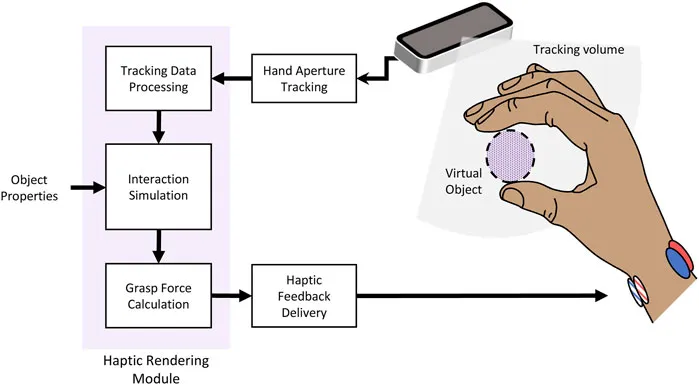
Prosthetic hands use sensors to give touch back to the wearer, which gave me a model for the band.
Inspiration
- Sensors capable of detecting pressure, texture, temperature, or wetness could be integrated into the device.
- These sensors would translate virtual object properties into electrical signals for nerve stimulation.
For example, if a user touches a rough virtual surface, the sensors could generate corresponding signals that stimulate the wrist nerves to mimic the sensation of roughness on their fingertips.
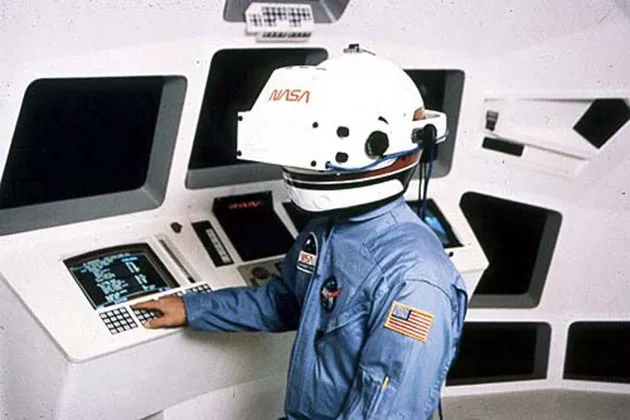
VR looks convincing, but touching things in it feels like nothing.
What the band needs to do
Technical
- A band that stimulates the median nerve at the wrist, with the ulnar nerve as a speculative extension.
- Stimulation that keeps up with what you touch, without a noticeable delay.
User experience
- Touching something in VR should feel closer to touching it for real.
- Controls you can use without looking away from VR.
Sketching it out
Sketches
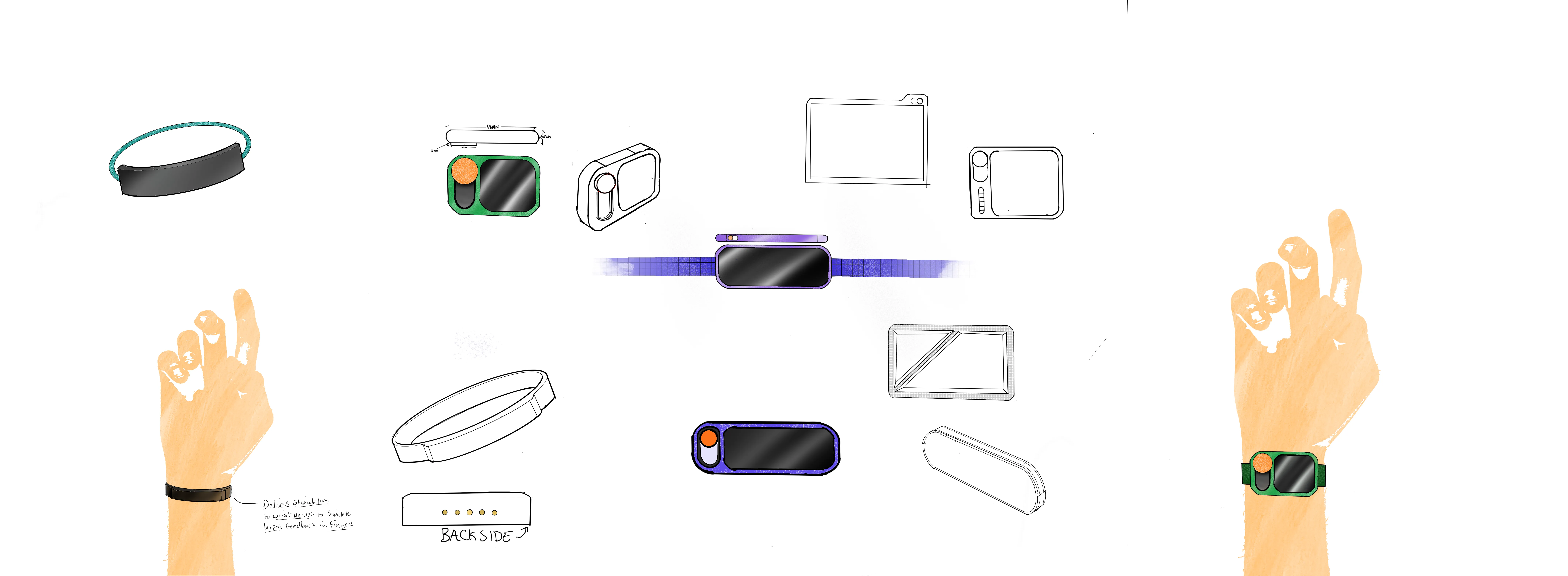

User journey

The band and its setup
Hardware
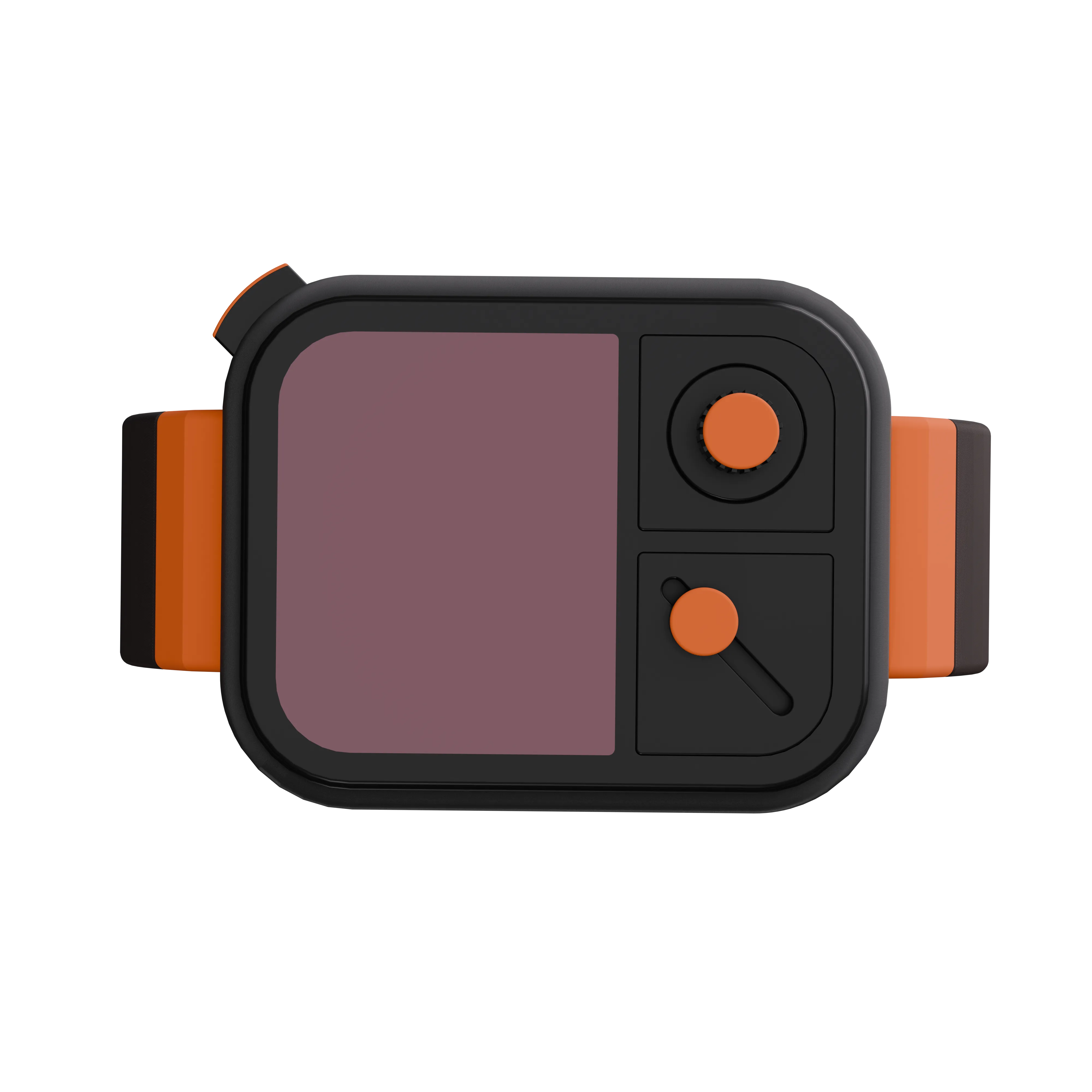
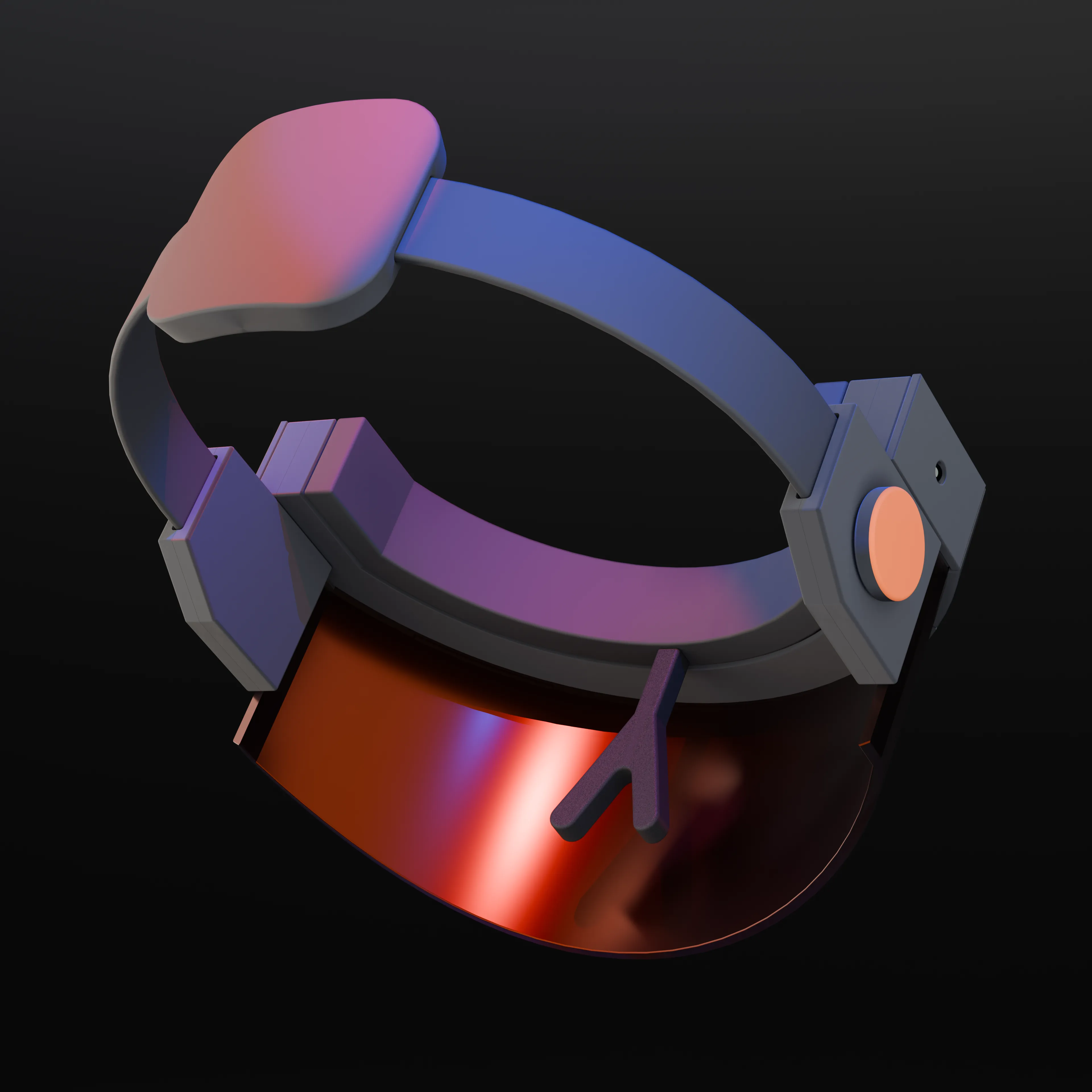
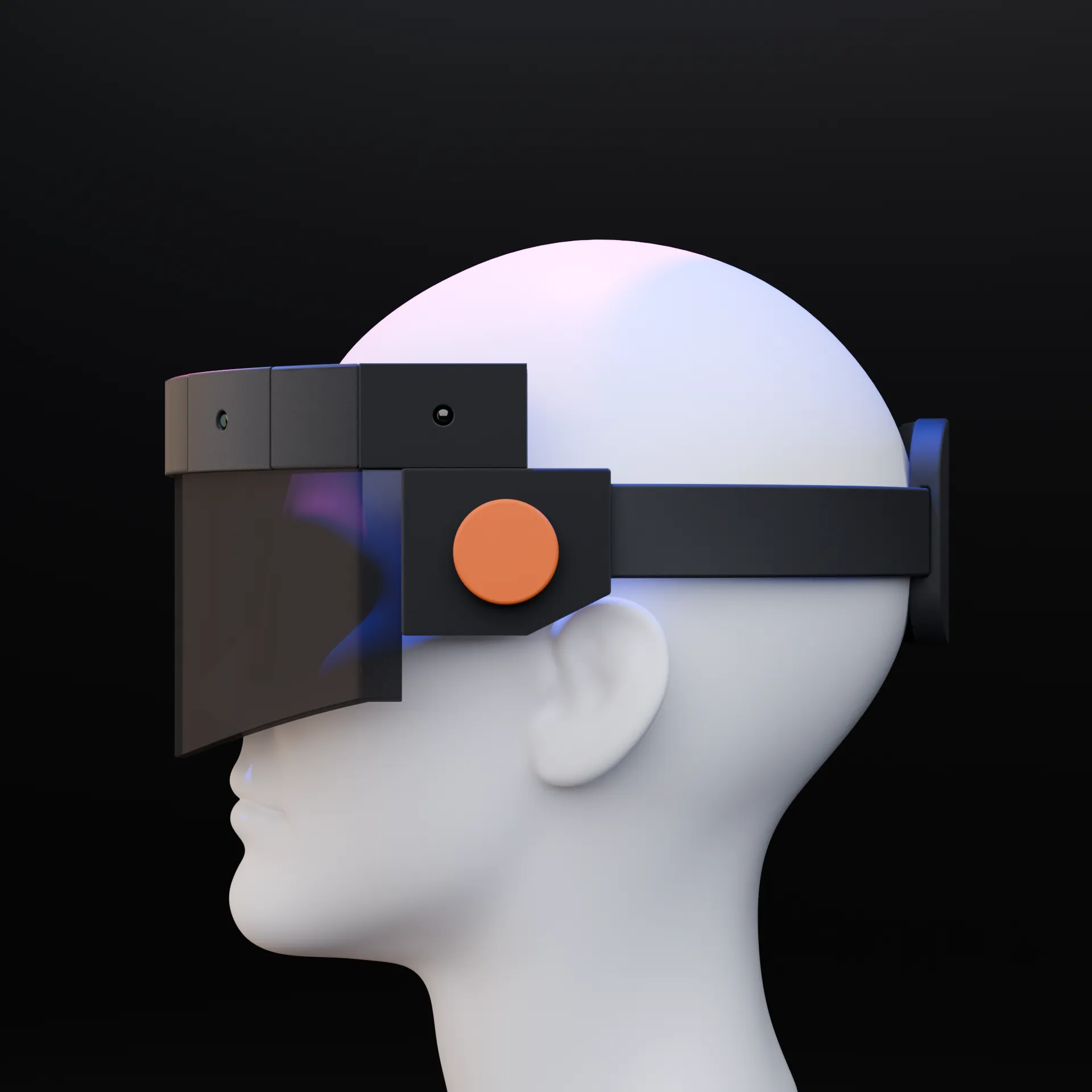
Digital interface
Welcome
Let's begin calibration to personalize your haptic experience.
Calibration
Flex each finger individually as highlighted.
Test Haptics
Can you feel the pulse?
Recalibrating…
Please wait.
Calibration Done
Ready for next steps.
Visor Setup
Put on visor for immersive experience or continue without.
Haptic Intensity
Rotate dial to adjust feedback intensity.
Immersion Level
Slide toggle to control immersion.
Setup Complete
You are ready to go.
Selling a new kind of touch
Parisi's example of a company teaching people a new way to touch is Nintendo's "Touching is good" campaign for the DS, which sold the touchscreen as direct control. I made a campaign for HapticSense along the same lines, with one change: here the interface touches you back.

Nintendo ad as discussed in David Parisi, "Fingerbombing, or 'Touching is Good'" (opens in new tab).